


























































Troubleshooting Common Issues with the Velobet App
Running into a snag with your betting experience? Don't worry, it happens to the best of us. This guide will walk you through some of the most common technical hiccups and how to fix them quickly. We'll cover everything from login problems to app installation quirks, all with a focus on getting you back in the action with the Velobet app.
Can't Log In to the Velobet App on Your Phone?
Staring at a login screen that won't let you in is frustrating. Before you do anything drastic, let's run through the basics. First, double-check your username and password. It sounds simple, but we've all been there. Make sure you can access the email linked to your account, as you might need it for verification codes or password recovery.
Sometimes the issue isn't you, it's your connection. Try switching between Wi-Fi and your mobile data. If that doesn't work, give your browser a fresh start. Clear out the cache and cookies, then reload the page. Finally, take a quick peek at your account status from a different device if possible. There might be a security hold or a verification step you missed that's putting things on pause.
Dealing with a Slow Site or Pages That Won't Load
A slow or unresponsive site can turn a fun session into a chore. Your internet connection is the usual suspect. Try a different network. If you're using a VPN or proxy, try turning it off temporarily, as these can sometimes interfere with site access.
On your device, close any apps running in the background that you don't need. They can hog memory and bandwidth. Make sure your browser is up to date, too. Older versions can struggle with modern sites. Pay special attention during live events - streaming live content simply needs a more stable and robust connection.
Also, check your device's own settings. Features like Battery Saver, Low Power Mode, or Data Saver can intentionally slow down performance to conserve resources. Make sure you have enough free storage space on your phone, as a full device can struggle to run apps smoothly.
The App Install Option is Nowhere to Be Found
You're ready to download the app, but the download button is playing hide and seek. The most common reason is regional availability. The official app might not be offered in your specific country or for your device type (like certain Android models).
Never download from third-party websites or links in emails. Always go straight to the source. Check the official Google Play Store for Android or the Apple App Store for iOS. You can also look for a direct download link in the 'My Account' or 'Help' section of the main Velobet website.
The App is Asking for Strange Permissions
This is a big red flag. When installing or opening an app, you should be cautious if it asks for permissions that don't make sense. Why would a betting app need access to your contacts or call logs? It probably shouldn't.
If you see this, stop immediately. First, confirm you downloaded the app from the official store listing. Check the exact name of the app and the developer/publisher name against the official Velobet website. Review the permission prompts at your phone's operating system level carefully.
If anything seems off, uninstall the app right away. Then, contact Velobet support directly through the Help or Support area within your account on their main website to report the issue and get a verified installation link.
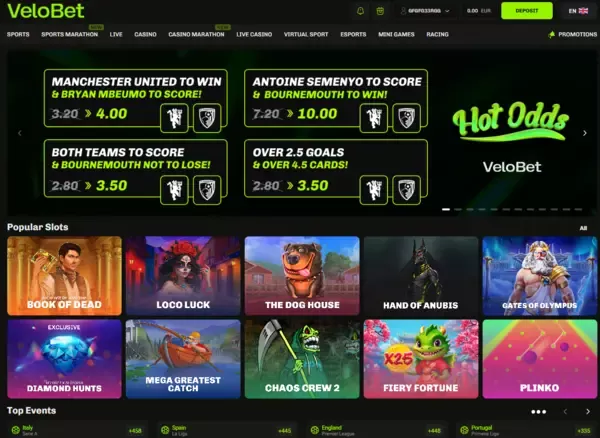
Choosing the Right Experience: Mobile Website vs. Progressive Web App
When you're deciding how to access a service like ours, you have two main paths. You can use the standard mobile website right in your browser. Or, you can opt for a more integrated Progressive Web App (PWA) experience. Both get you to the same destination, but the journey feels quite different. Let's break down which option might be the best fit for your daily routine.
Why the Velobet app experience stands out
The PWA version, often just called 'the app', is a game-changer for regular users. Think of it as a middle ground between a website and a native app from an app store. You add it to your home screen with a tap, and it launches full-screen without the browser's address bar. This creates a smoother, more focused feel. Logging in is often faster, too, as it can remember your details securely. It's perfect if you visit us frequently and want that quick, app-like convenience without a formal download. The Velobet app delivers this seamless experience directly from your browser.
Now, the trusty mobile website is your go-to for instant access. No installation, no questions asked. Just open any browser on almost any smartphone, and you're in. It's incredibly flexible and universal. The trade-off? You're always within the browser's interface, which can feel a bit less immersive. But for a quick check or if you're using a shared device, it's absolutely the right choice.
| Option | Best for | Pros | Keep in mind |
| Mobile Website | Instant access and maximum compatibility | No installation needed. Works on virtually any phone or browser. | Runs within your browser window, so it has the browser's interface (address bar, tabs). |
| PWA (Add to Home Screen) | Regular users wanting app-like convenience | Full-screen, immersive feel. Easy to re-open from your home screen. Often enables quicker login. | Its availability and some features can depend on your specific device and browser support. |
So, which one wins? Honestly, it's not a competition. They're tools for different jobs. Use the mobile site for that spontaneous visit. But if you find yourself coming back often, do yourself a favor and add the PWA to your home screen. It takes two seconds, and you'll get a noticeably smoother ride. Try the Velobet app experience today and feel the difference for yourself.
How to Install the Velobet App on Your Android Device
Getting the Velobet app running on your Android phone is a straightforward process. It's not a traditional download from the Play Store, but a modern 'Progressive Web App' (PWA) installation directly through your Chrome browser. This method gives you an app-like icon on your home screen and fast, reliable access, all without taking up much storage space.
Step-by-Step Guide for the Velobet App Installation
- First, launch the Chrome browser on your Android device and navigate to the official Velobet website. Ensure you're on the correct and secure site for the best experience.
- Once the site loads, tap the famous 'three dots' menu icon in the top-right corner of your browser window. This is your gateway to more options.
- In the menu that appears, look for an option labeled 'Install app' or 'Add to Home screen.' Don't worry if the exact wording is slightly different - browsers like to keep us on our toes.
- Tap that option and confirm the prompt. In a moment, you'll see the Velobet app icon neatly placed on your home screen, ready for action.
What if the install prompt is playing hide and seek? No problem. The mobile site will work perfectly fine in your browser. For quicker future access, you can still create a manual home screen shortcut from the browser menu. Think of it as a handy bookmark that looks just like an app. Either way, you're just a tap away from placing your bets with the Velobet app.
Troubleshooting the Velobet App Installation
Having trouble installing the Velobet app to your home screen? Don't worry, it's a common hiccup with Progressive Web Apps (PWAs). The process is usually smooth, but sometimes the 'Install' button decides to play hide and seek. Let's walk through the most effective fixes to get you up and running quickly.
Essential Steps for a Successful Velobet App Install
First, try the digital equivalent of turning it off and on again: refresh the page. If that doesn't work, your browser's cache might be holding onto old data. Clearing it gives the page a fresh start. For the best results, use the recommended browser for your device - Chrome on Android or Safari on iPhone. These browsers are best friends with PWA technology.
Here's a pro tip: avoid private or incognito browsing modes when installing. They're great for privacy, but they often block the installation features we need. Finally, check your device's operating system. Running an older version of iOS or Android can hide the install prompt entirely. A quick update usually solves the mystery.
How to Safely Check and Install the Official Velobet App
Let's talk about getting the official app on your phone. It's a simple process, but doing it the right way is crucial for your security and a smooth experience. The golden rule? Stick to the official app stores. Think of third-party APK sites or shady redirect links as digital back alleys. You wouldn't download a bank's app from there, so don't do it for your betting app either. If an official app exists, it will be proudly listed in the Google Play Store or the Apple App Store, or clearly linked from your account dashboard on the main website.
Your Step-by-Step Guide to a Secure Velobet App Installation
Ready to get started? Here’s your straightforward, no-nonsense guide to installing the app with confidence. We'll walk through each step to ensure everything looks legit before you tap 'install'.
- First, head to your official app store. Search for the Velobet app. Take a moment to verify the publisher or developer name. Glance at the listing details - the 'last updated' date and any release notes can tell you a lot about how well the app is maintained.
- Next, check the fine print. The store listing will show compatibility info like the required OS version, device requirements, and the app's size. Make sure your phone can handle it to avoid any performance headaches later.
- Now, hit install. Just follow your device's standard prompts. It's the same process as installing any other app, so there are no surprises here.
- Once installed, open the app and log in. You might see some extra security prompts, like a confirmation code sent to your email or phone. This is a good sign - it means the app is taking your account security seriously.
- Here's the most important step: trust your gut. If anything feels off during this process - a weird app name, a publisher you don't recognize, or prompts that seem out of place - stop. Uninstall the app and go back to the official store listing to double-check everything. Never, ever proceed if things look inconsistent.
Following these steps ensures you get the genuine, secure version of the Velobet app. It protects your personal data and gives you the full, intended experience without any hidden surprises. Think of it as the digital equivalent of checking the locks on your front door - a simple habit that makes all the difference.
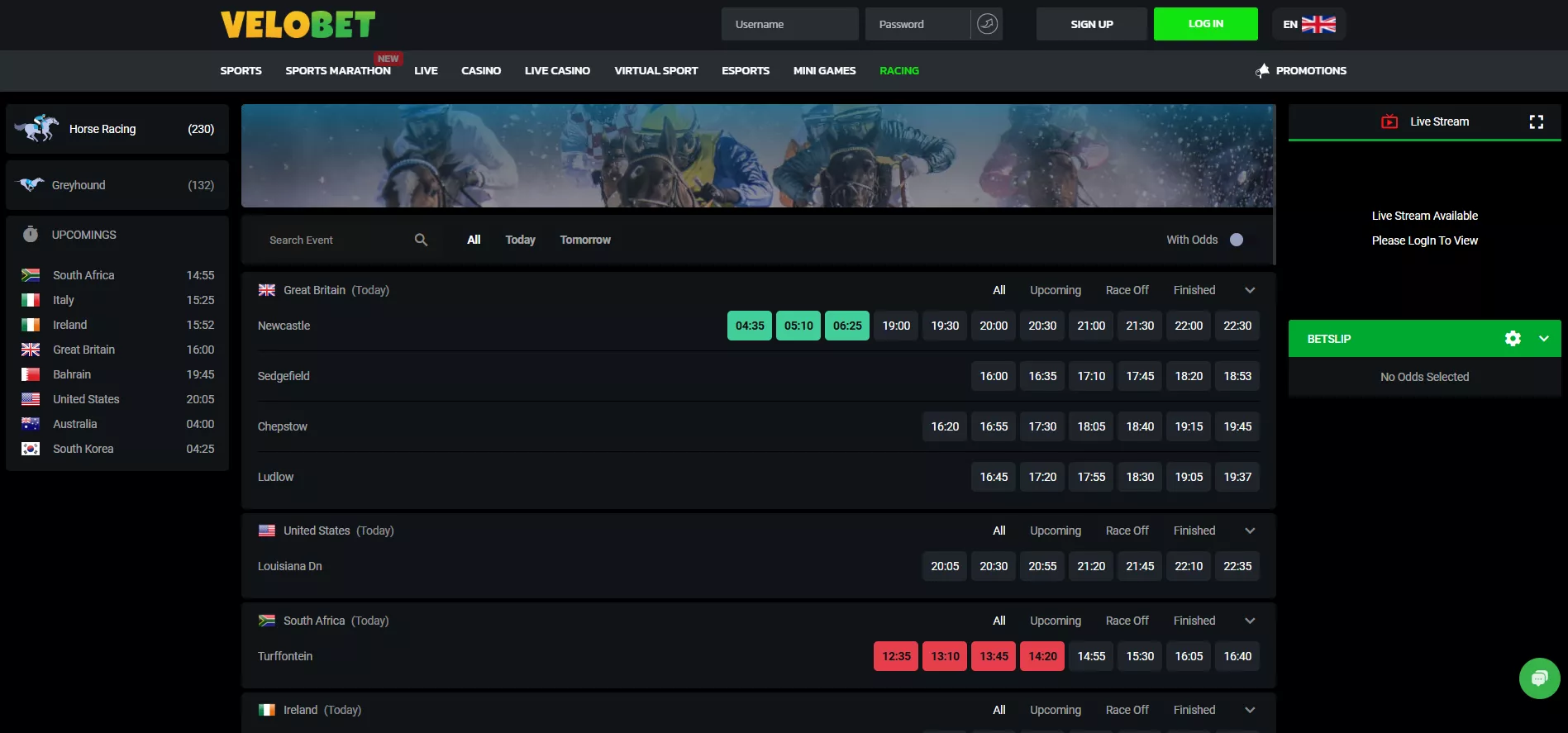
How to Install the Velobet App on Your iPhone
Getting the Velobet app on your iPhone is a straightforward process, but it works a bit differently than downloading from the App Store. Since it's a web application, you'll be adding it directly to your Home Screen through Safari. This method gives you an icon that looks and feels just like a native app, providing quick, one-tap access to all of Velobet's features without cluttering your browser with tabs.
A Simple Guide to Adding the Velobet App
- First, launch Safari on your iPhone and navigate to the official Velobet website. Make sure you're on the correct site for the best experience.
- Look for the Share button - it's that little square icon with an arrow pointing upward. Give it a tap.
- Scroll through the Share menu until you see the option labeled 'Add to Home Screen.' Select it.
- You can now customize the name that will appear under the icon. Something simple like 'Velobet' works perfectly. Finally, tap 'Add' in the top-right corner. Voilà! The Velobet app icon will now live on your Home Screen.
Here's a pro tip, especially for our users in England: while setting up your velobet app access, take a moment to strengthen your device's own security. Using Face ID or Touch ID for unlocking your phone is a great first step. Pair that with a strong alphanumeric passcode. Think of it as putting a great lock on your front door. It means that even if your phone takes an unexpected walk without you, your betting activity and account stay firmly under your control.
Verifying the Official Velobet App and Understanding Its Advantages
Before you get excited about downloading a mobile app for your betting needs, you need to make sure it actually exists. It's a common mistake to assume every platform has a dedicated app. To avoid disappointment and potential security risks, you should always verify its official status. The best way to do this is by checking reliable sources directly. Don't just trust a random download link from a search engine or a forum post.
A Simple Guide to Finding the Real Velobet App
So, how do you find the genuine article? Start with the official app stores - they are your first and most trusted line of defense. On the Apple App Store or Google Play Store, search carefully. Look for the app's publisher name and read the reviews with a critical eye. Context in reviews can often reveal if an app is unofficial or buggy. Next, log into your account on the main website. Many services hide a direct download link in the 'My Account' area, often under sections labeled 'App' or 'Mobile'. Finally, keep an eye out for official prompts. The website itself might display a banner inviting you to get the app, which should open the correct store listing directly. Following these steps ensures you're getting the secure, official velobet app.
App vs. Browser: Choosing Your Experience
Once you've confirmed the app is real, you might wonder why you'd bother installing it. Isn't the mobile browser good enough? Well, it depends on what you're after. Each option has its own personality, like choosing between a quick coffee and a leisurely espresso.
- The Browser Version: This is the no-fuss option. There's nothing to install. You just open your phone's browser, go to the site, and you're in. It's incredibly convenient for a quick check. The downside? It can feel a bit clunky. You might get logged out after a period of inactivity, and the navigation is designed for a web page, not your thumb.
- The Native App: This is the dedicated experience. If available, a native app is built specifically for your device. It often feels smoother and more responsive. The real perks are things like push notifications for live bets or results - your phone will nudge you with updates. Navigation is usually optimized for touch screens. Just remember, even in the app, your access to features depends on your account status and any regional rules that apply.

Your Guide to the Velobet App and Mobile Access
Welcome to your complete guide for getting the Velobet experience on your phone. We know you want quick, reliable access whether you're on the couch or on the go. This page is your one-stop shop for everything mobile. We'll walk you through how to find and install the official Velobet app, how to use the slick mobile website, and how to solve those pesky little problems that can sometimes pop up. Think of it as your friendly mobile troubleshooting manual.
First things first, let's get you set up. You have two great options for playing on your mobile device. The first is the dedicated Velobet app, which offers a super smooth, tailored experience. The second is our fully optimized mobile browser site - it works brilliantly in Safari, Chrome, or any other browser and doesn't require any download. Both ways give you full access to your account, our games, and all the features you need.
Key Details About the Velobet App and Mobile Platform
| Parameter | What You Need to Know |
| Mobile Browser Access | Always available. Just visit our website from your phone's browser for a full-featured experience. |
| Native App Availability | Look for 'Velobet' in the official Apple App Store or Google Play Store. It's the safest way to download. |
| App Download Source | Only ever use the official app stores linked from our website or your account. Avoid third-party sites. |
| Supported OS & Device Requirements | Check the specific requirements listed on the app's store page. We support most modern devices. |
| App Size & Installation Time | This info is on the store listing. It's usually a quick download over a good Wi-Fi connection. |
| Core Functions on Mobile | Manage your account, deposit and withdraw, play all your favorite games, and grab the latest promotions. |
| Login Method | Use your usual account credentials. We may add an extra security check, just to be safe. |
| Notifications | Get alerts about bets, bonuses, and more. You control these in your device settings and within the app. |
| Responsible Gaming Tools | All your account controls for deposits, limits, and time-outs are available right on your mobile device. |
| Support | Help is always at your fingertips. Find live chat, email, and FAQ links in the 'Support' section of the app or site. |
Running into a snag? Don't worry, it happens to the best of us. If you can't log in, double-check your username and password - we've all been there. If your phone keeps asking to install the app, you might be visiting from a browser. You can either continue there or head to the app store directly. For slow performance, a quick restart of the app or your phone often works wonders. And always make sure you're running the latest version of the Velobet app for the best experience.
Registration and Login on Mobile
Creating Your Account on the Go
Setting up your account on a mobile device is a straightforward process, designed to be as intuitive as using the desktop site. You'll start by entering your contact details, such as your email or phone number. Next, you'll create your unique login credentials - a username and a strong password. The final step is agreeing to the platform's terms of service. Depending on your region and the platform's requirements, you might also see optional prompts for identity verification. The exact look and feel of the form will match your specific device, ensuring a smooth experience whether you're on a phone or a tablet.
Secure Mobile Login with the Velobet App
Logging into your account from your phone is simple. You use the exact same username and password that you created for the desktop website. However, mobile access sometimes requires an extra layer of security. Don't be surprised if you're asked for additional confirmation when signing in from a brand new device, after a long period of inactivity, or when our system detects something unusual. This is just our way of keeping your account safe. For the most seamless experience, consider using the dedicated Velobet app, which streamlines the entire process.